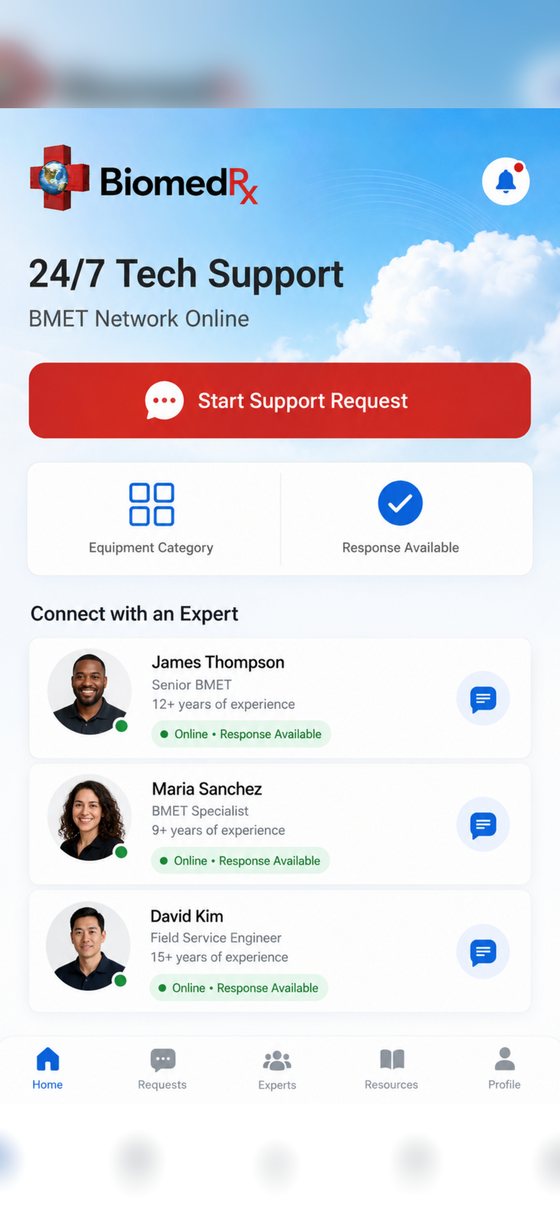
Submit a service request, agree a contract, follow the work order, read the history, and pay the invoice — without a phone tree or a paper trail you have to assemble yourself.
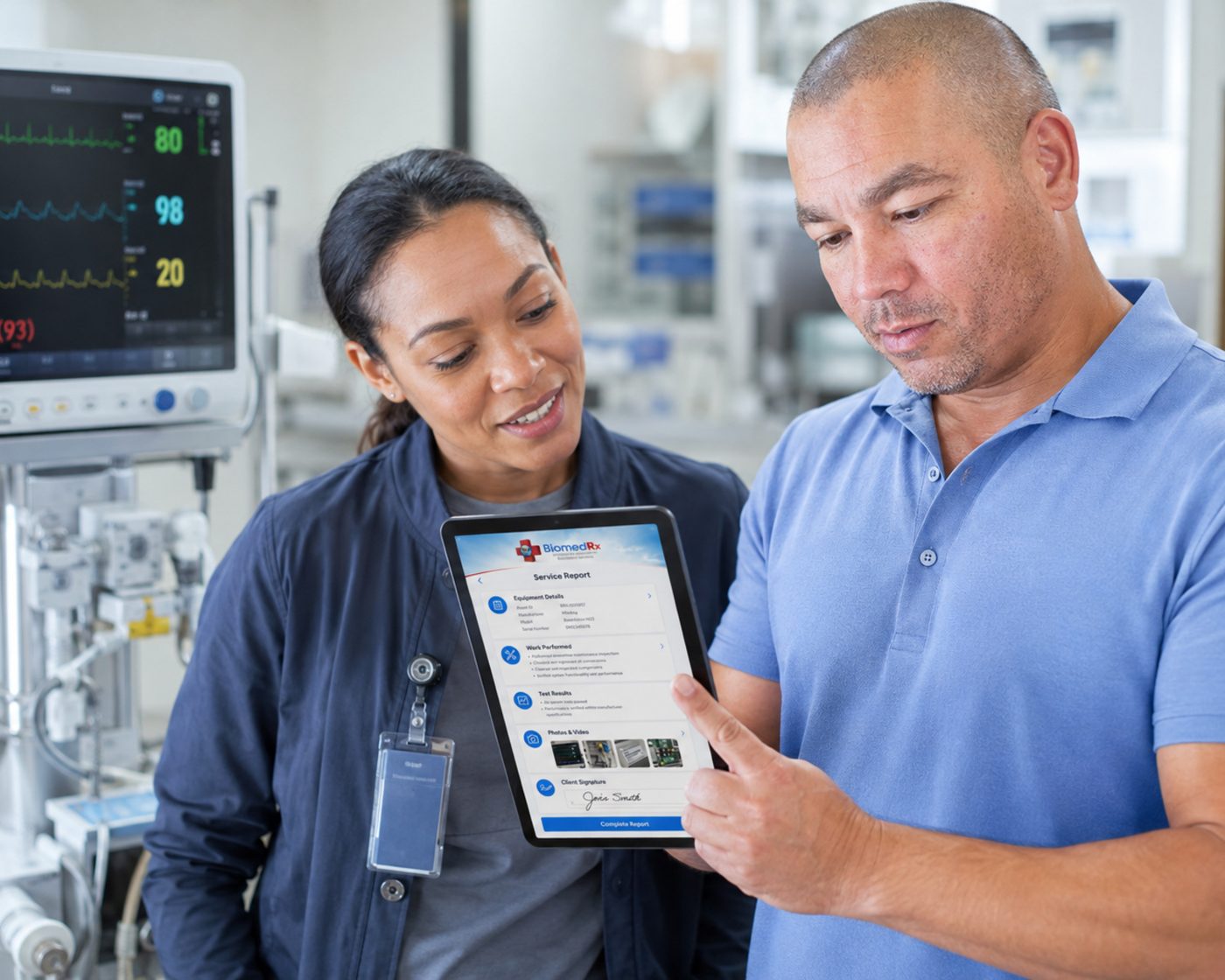
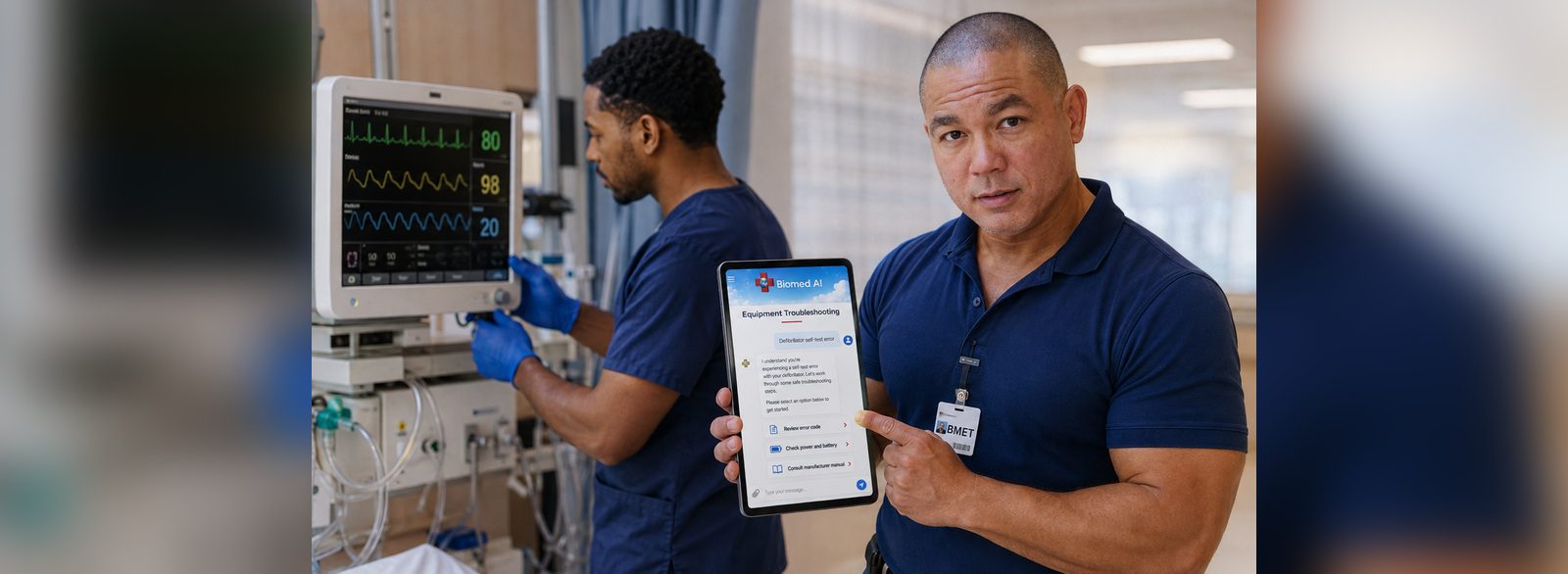
From the app or the online interface.
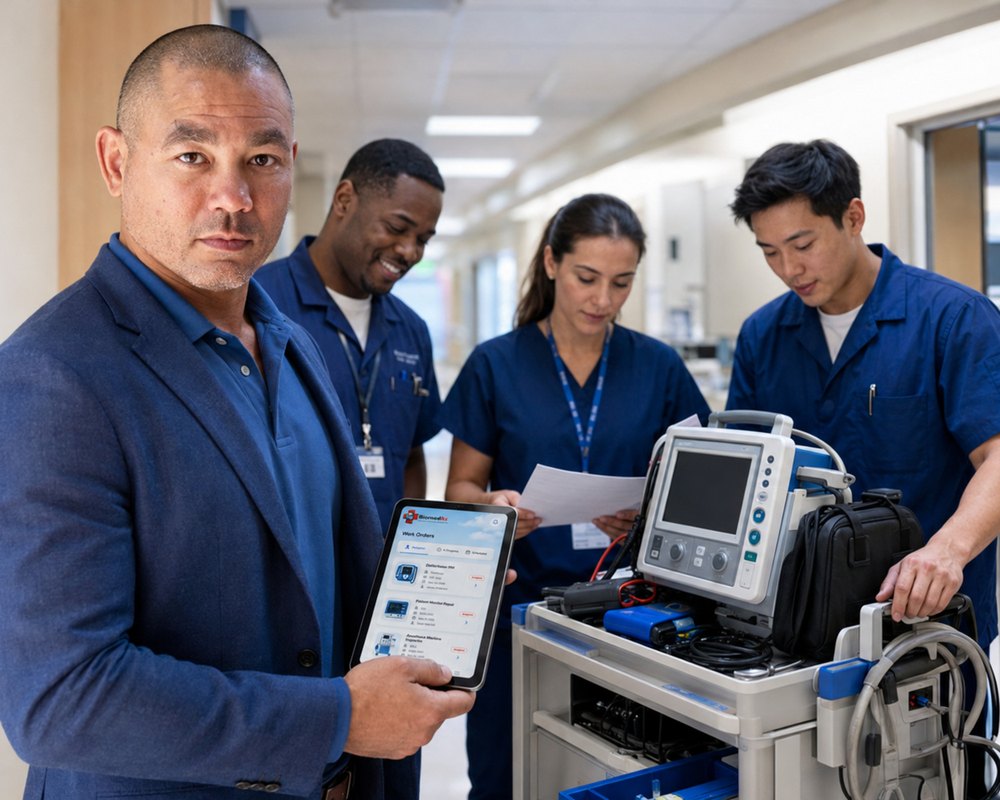
Raise a request against a specific device and department, with the detail a technician needs before rolling.
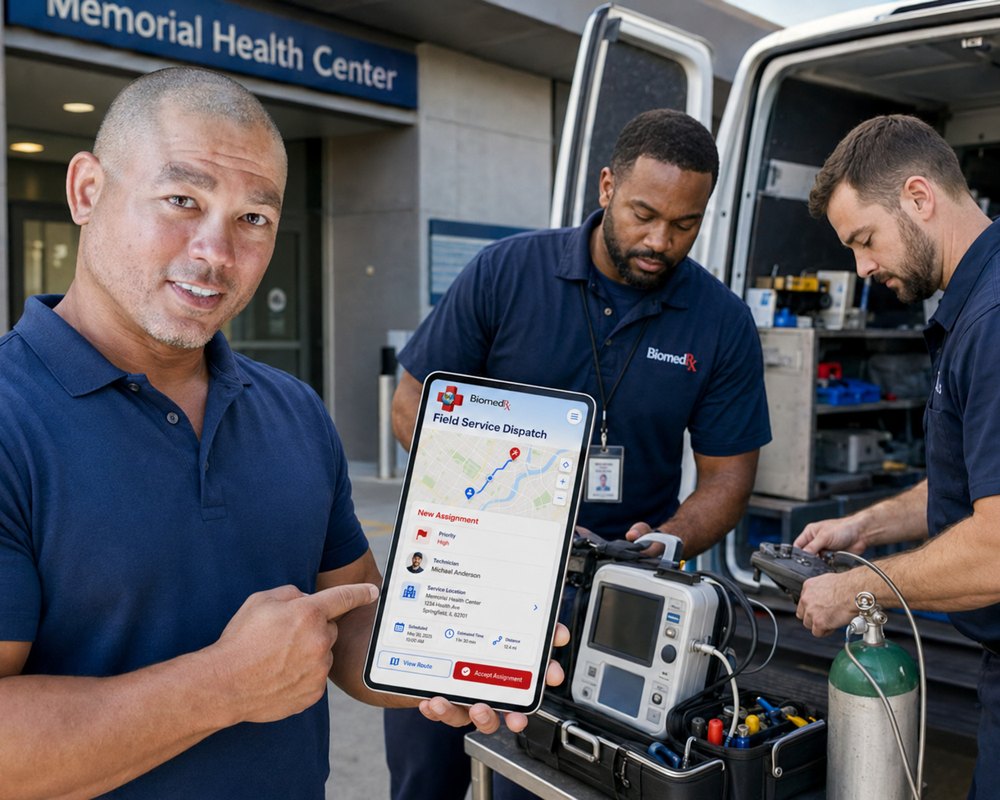
Start a service contract agreement covering preventive maintenance, repair, calibration and electrical safety.
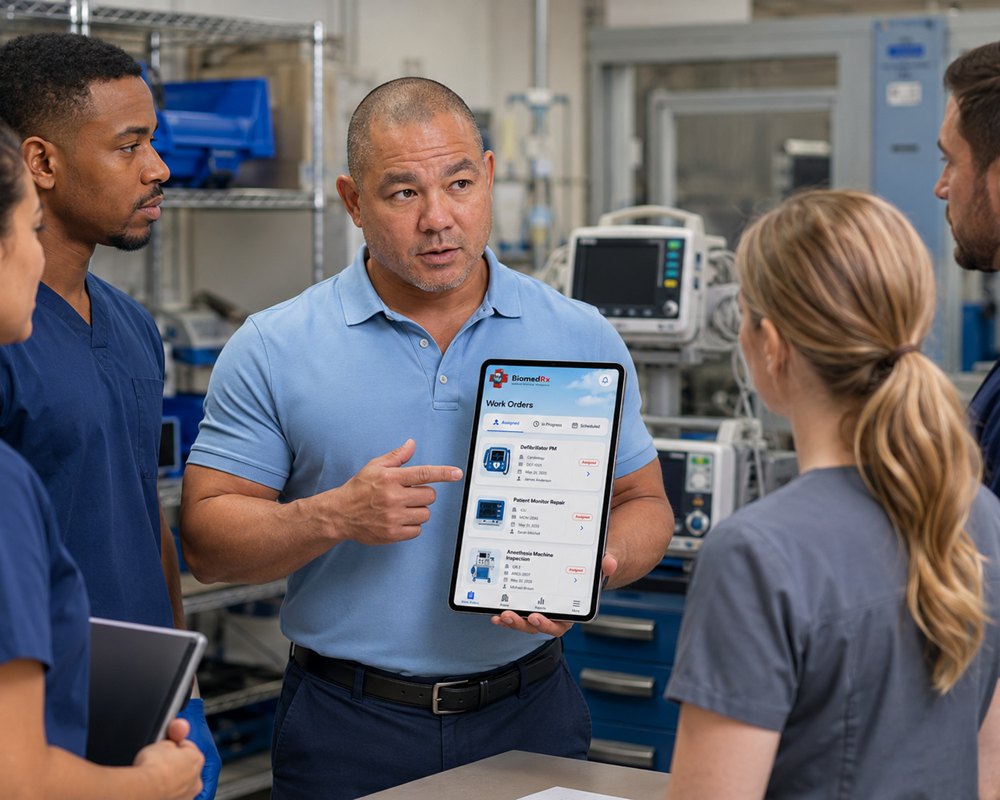
See where an open work order stands, in the app and through our online interface.
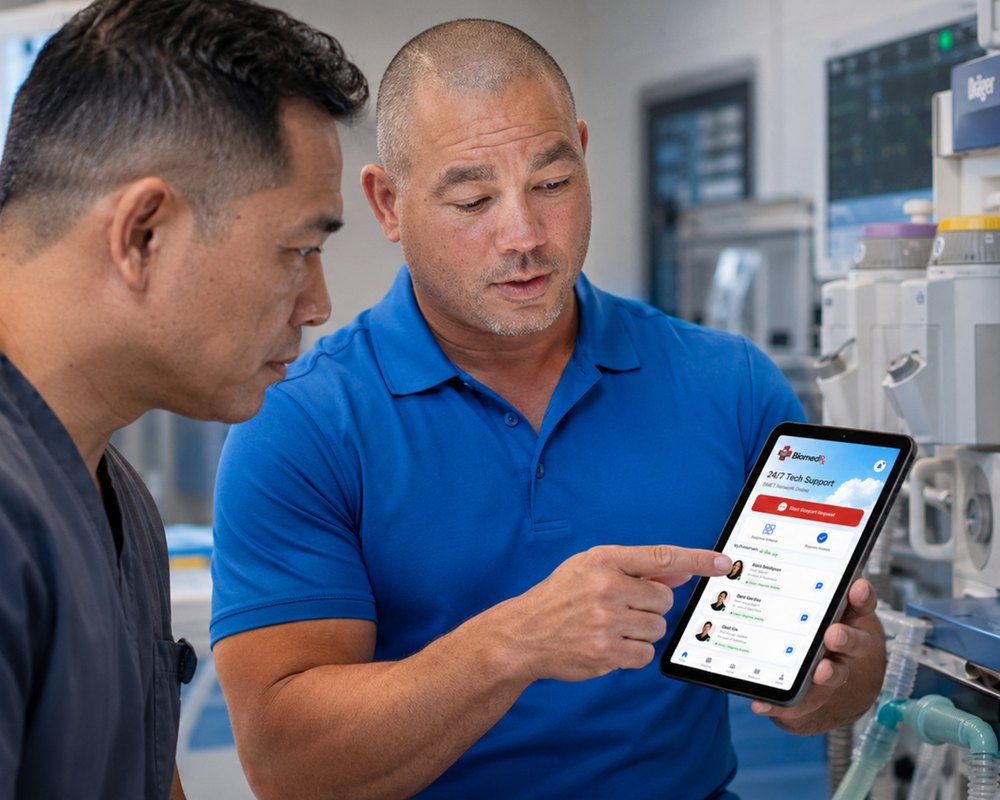
Pull the service history for a device or a department when a surveyor asks.
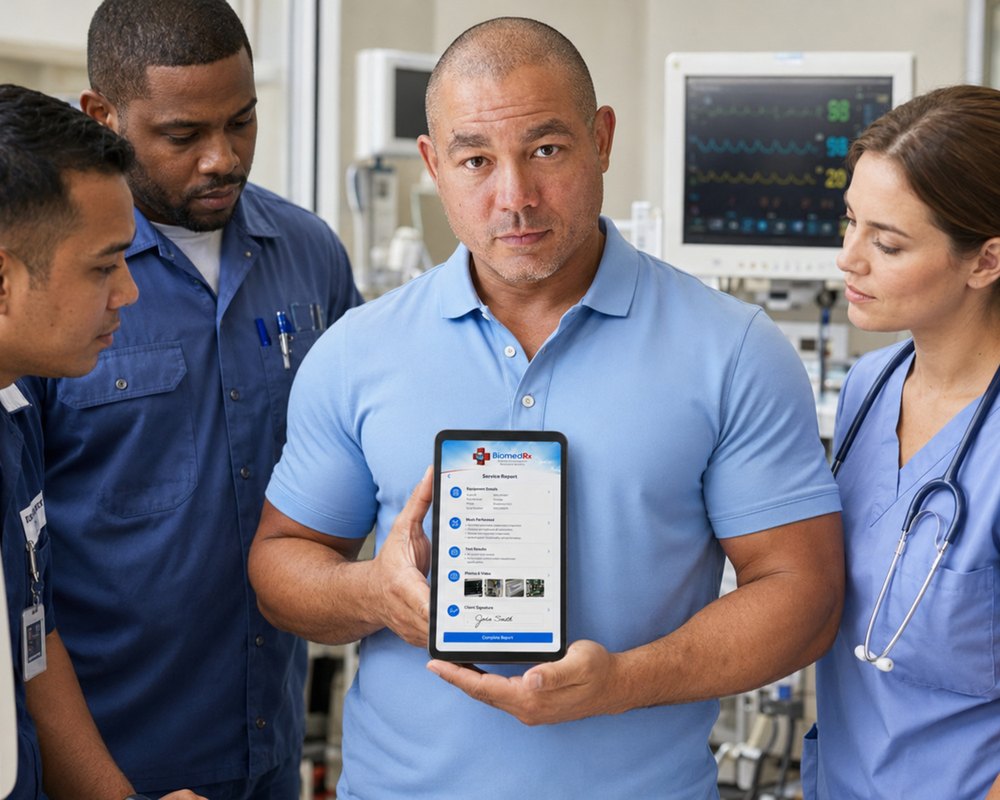
Pay invoices through the app, against the work order they belong to.
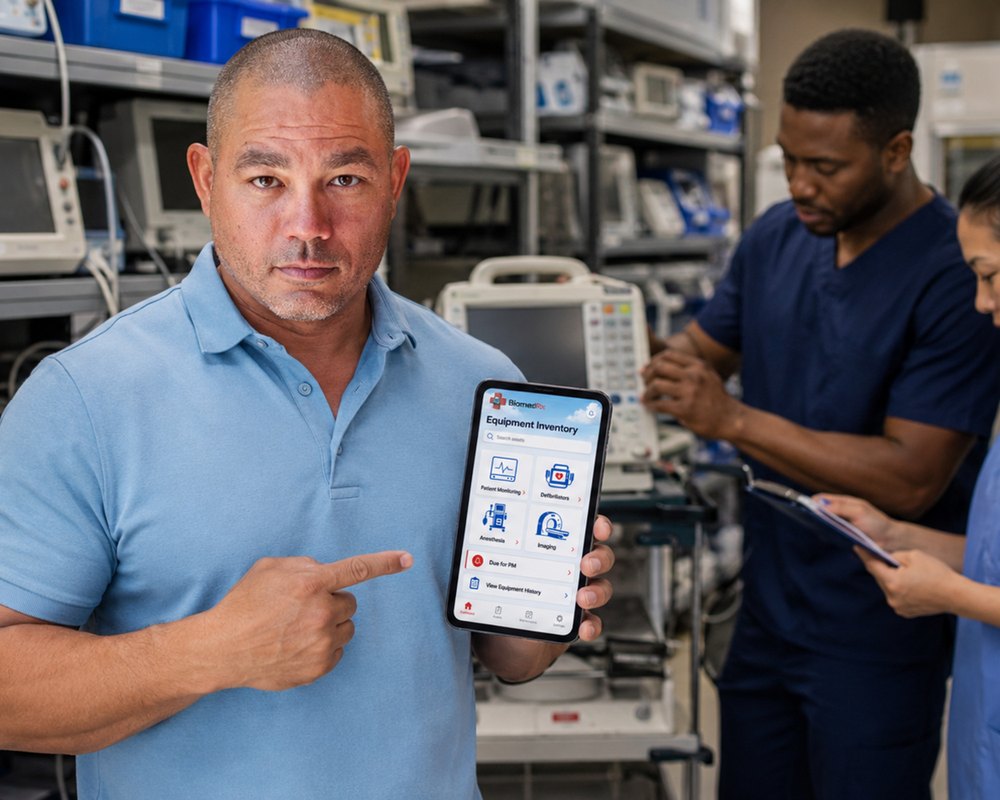
Site, department, asset tag, manufacturer, device, serial number and PM dates in one registry.
Request the work, follow it, and keep the record — from the same app your technician is using.
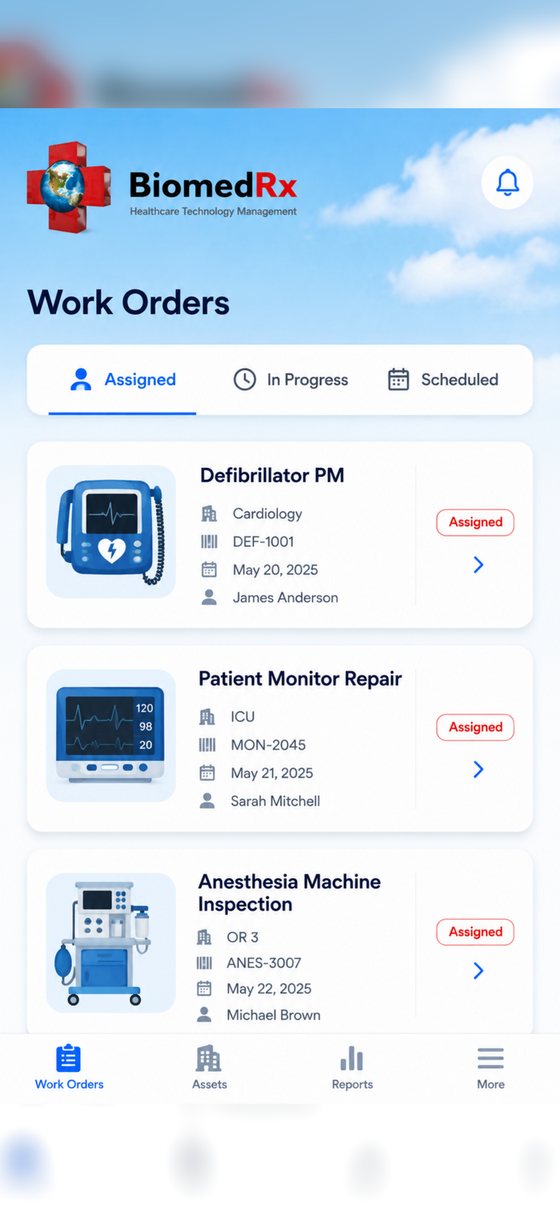
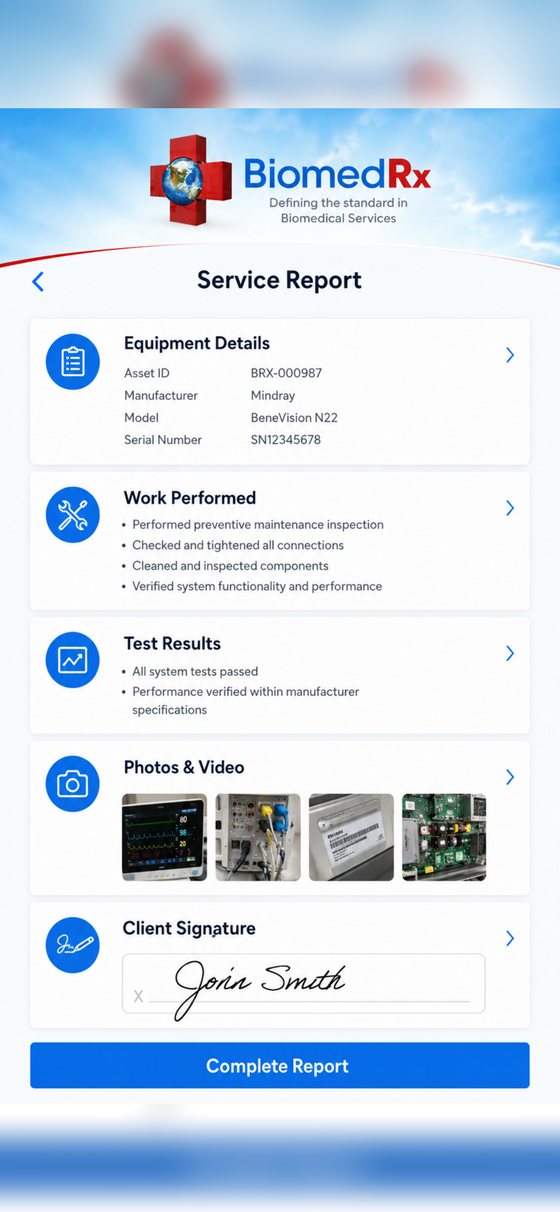
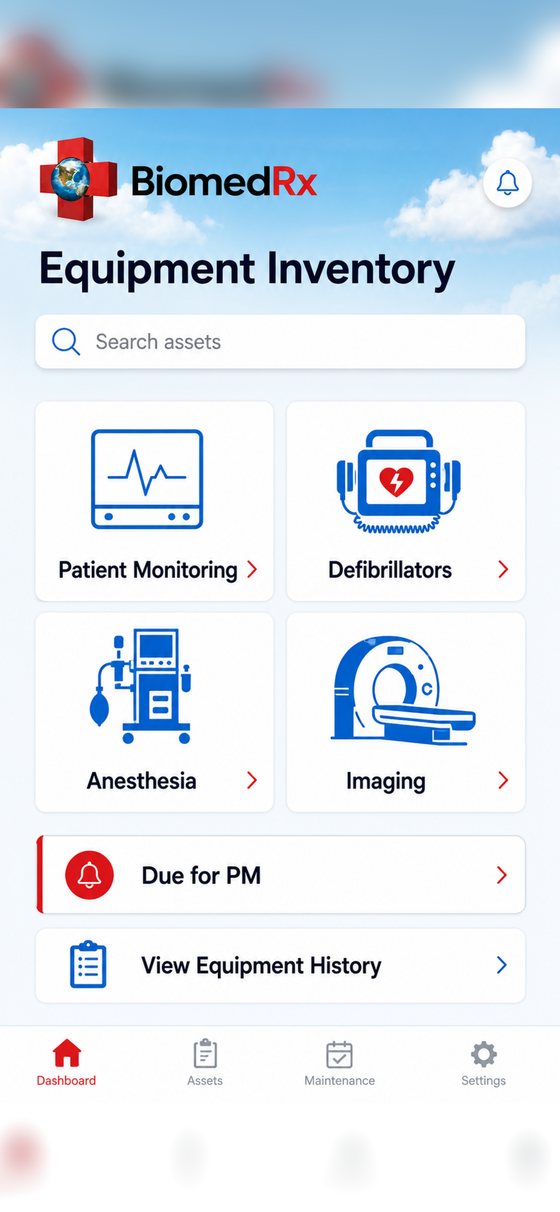
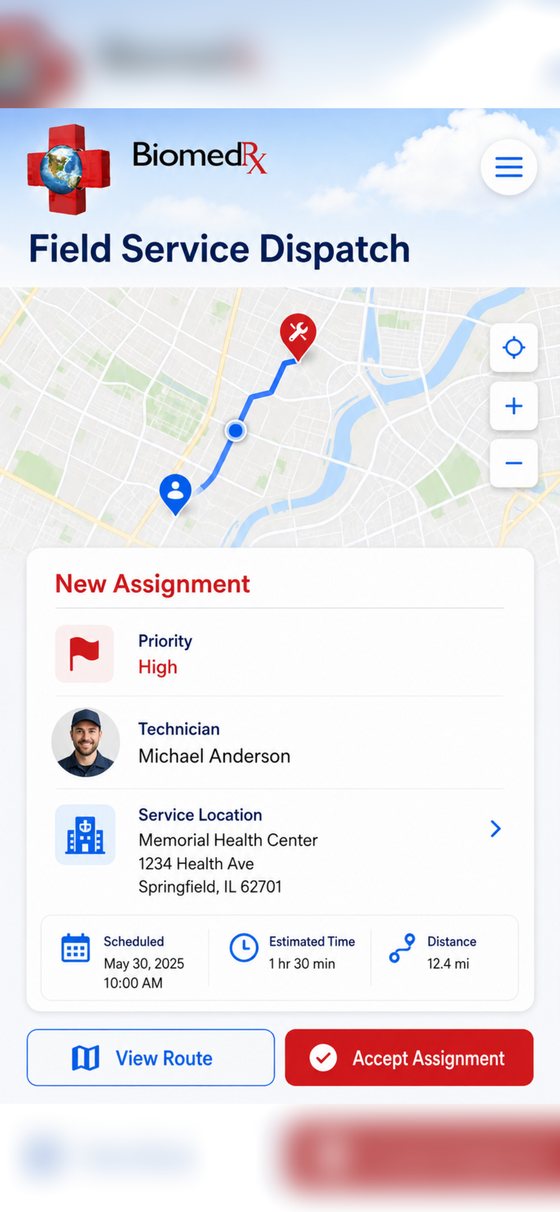
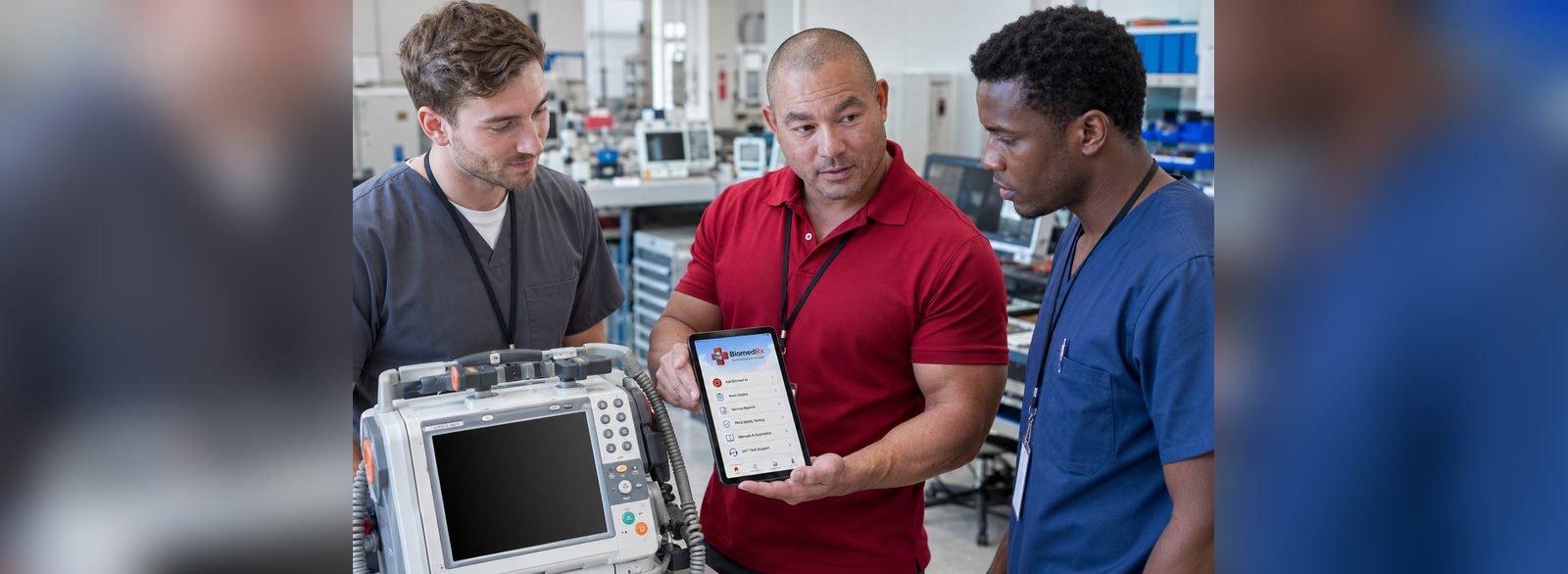
Compliance failures in medical equipment programs are usually documentation failures. The device was serviced; the record was thin, late or missing.
Because the BiomedRx App updates the online service report interface automatically — with pictures and video when the job calls for it — the record is produced by the work rather than reconstructed after it. Service history and work order status stay visible to the provider at any time.
BiomedRx supports preventive maintenance, repair, calibration and testing, electrical safety, equipment upgrades and installation, field and depot service, dialysis, medical imaging, and isolated power system and line-isolation-monitor testing and recertification, with asset registries and Joint Commission Environment of Care compliance support behind them.
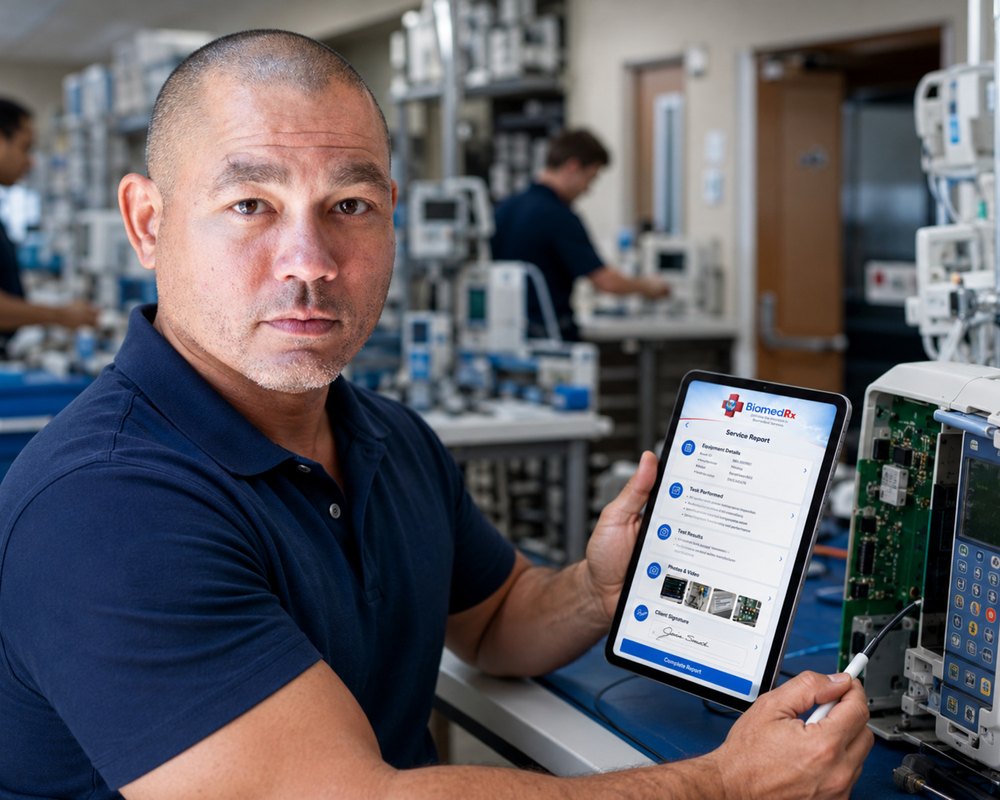
Tell us the site, the device and the urgency. We come back with scope, pricing, terms and a next step.
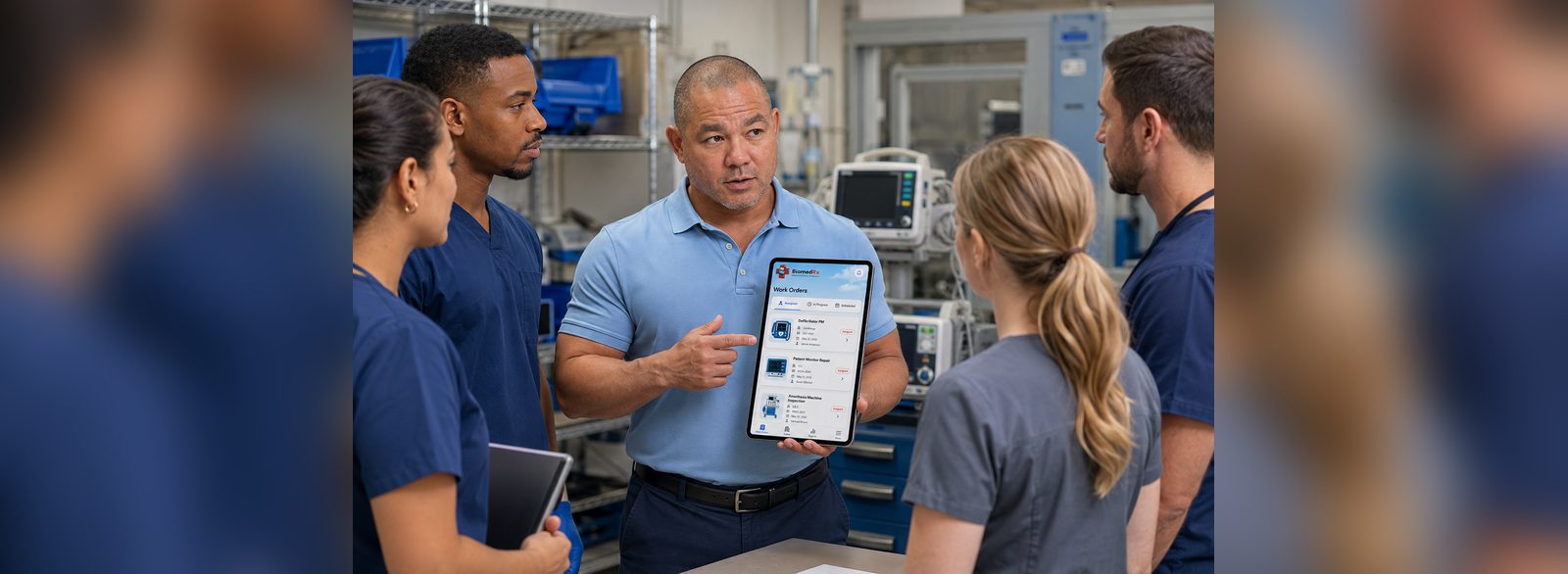
Hospitals, clinics, surgery centers and laboratories are not judged on individual repairs. They are judged on whether the equipment program holds together: inventory, preventive maintenance, electrical safety, documentation, failure history, technician qualifications, risk classification and replacement planning.
The app is built around that reality. A service request is raised against a specific device in a specific department. The work order can be followed while it is open. The service history stays attached to the asset rather than to the vendor. Invoices settle against the work order they belong to, so finance and engineering read the same record.
BiomedRx supports asset registries containing site, department, asset tag, manufacturer, device, serial number, acquisition date, PM and risk classification, last and next due dates, and service history, which are the fields a surveyor actually asks for.
Hospitals, clinics, surgery centers, laboratories and dialysis facilities are held to documentation standards by the Joint Commission, CMS, state licensing bodies and state health departments. When a surveyor arrives, the question is rarely whether a device works. It is whether you can show what was done to it, by whom, when, and against which procedure.
BiomedRx asset registries are built for that question: site, department, asset tag, manufacturer, device, serial number, acquisition date, preventive maintenance and risk classification, last due date, next due date, and service history. Environment of Care audit checklists cover inventory, preventive maintenance, electrical safety, documentation, failures, technician qualifications, risk, replacement planning and compliance.
Because the app captures the record at the point of work rather than after it, that evidence is a by-product of getting the job done instead of a separate reporting exercise nobody has time for. To discuss coverage for your facility, contact info@biomedrx.app or (424) 204-2382.
